Add green letters
Lock confirmed letters into the exact Wordle positions you already know.
Wordle Helper
Enter your green, yellow, and gray clues to narrow possible Wordle answers and get a cleaner next guess.
Filtered Results
Add your clues to see ranked matches and likely follow-up guesses.
Other Tools
The homepage is the main Wordle Helper. Other puzzle games have their own solver and answer pages below.
Tool
New Tool
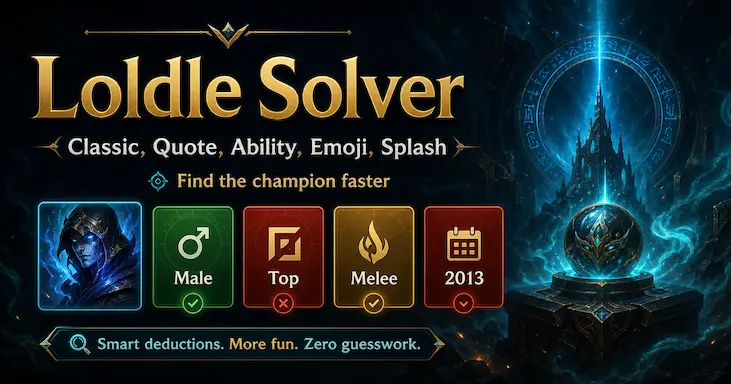
Capture Loldle answer searches with an evergreen landing page that covers Classic, Quote, Ability, Emoji, and Splash modes.
New Tool
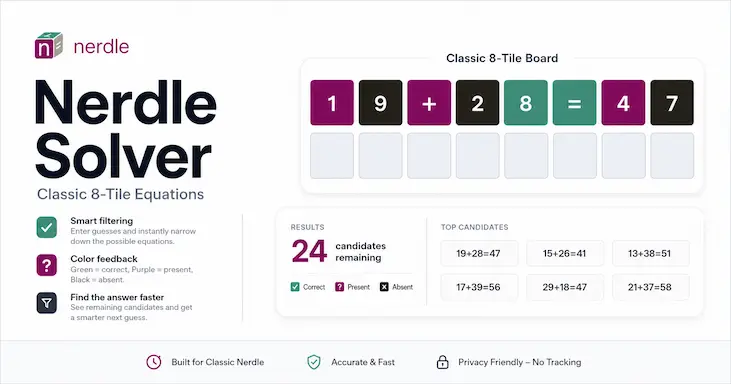
Filter classic 8-tile Nerdle equations by board feedback and narrow the next guess faster.
New Tool
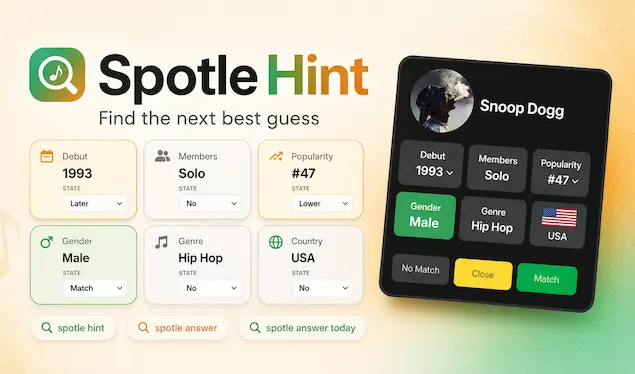
Narrow Spotle artists by debut year, members, popularity, gender, genre, and country without a daily answer feed.
Other Tool
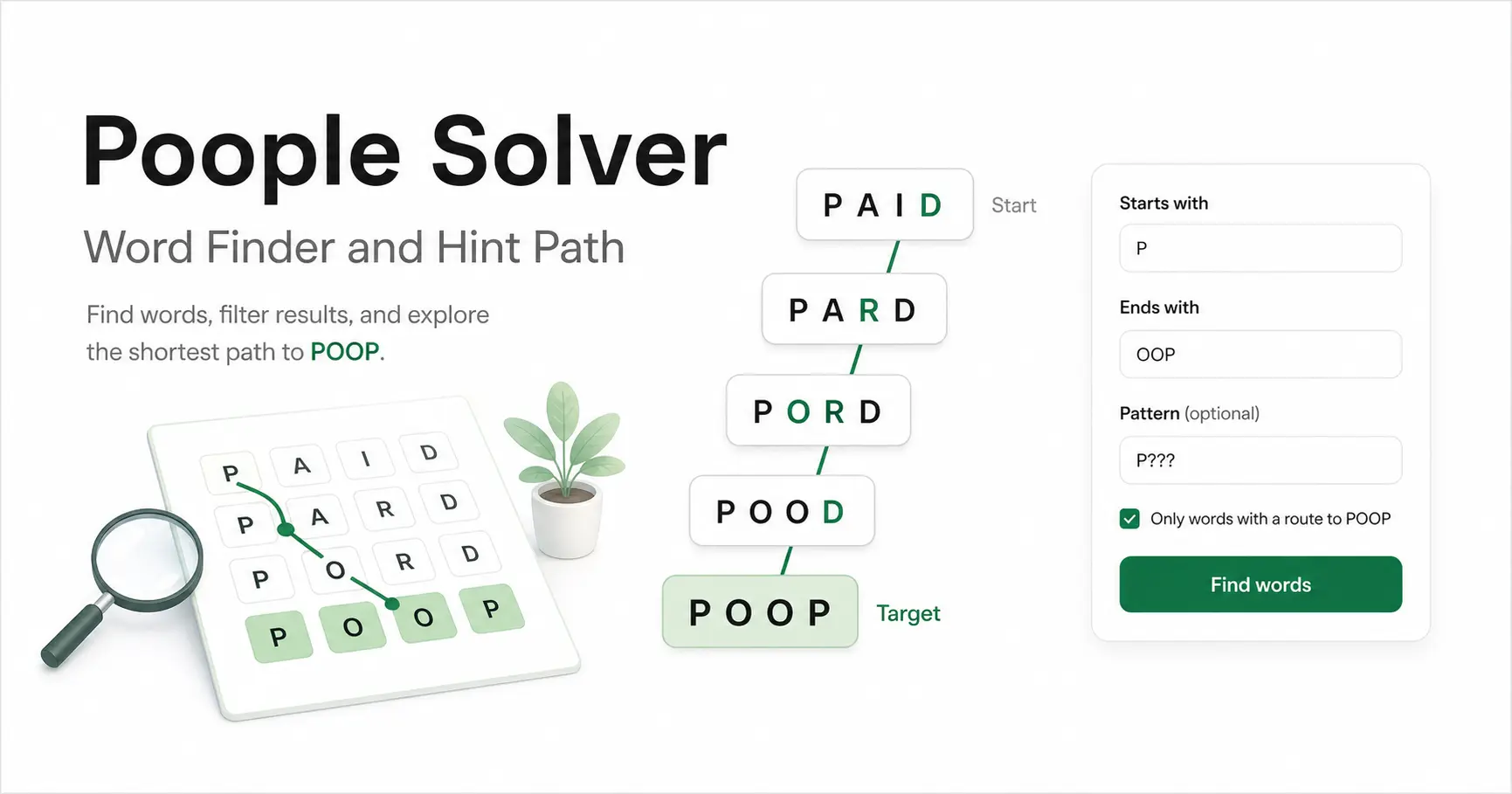
Search Poople words, filter four-letter matches, and reveal hint paths only when you want them.
Wordle ToolFilter a broad five-letter word list by pattern, required letters, and excluded letters.
Wordle StrategyCompare high-information opening guesses before you enter the first clues into the helper.
Need a cleaner overview instead of homepage cards? Open Answers for spoiler pages or Solvers for interactive tools.
How To Use It
The fastest way to use a Wordle Helper is to mirror the exact information already shown on your Wordle board, then let the tool narrow the answer pool for you.
Lock confirmed letters into the exact Wordle positions you already know.
Keep useful letters in play while excluding the slots where they already failed.
Remove letters that are not in the answer so the list shrinks faster.
Use the filtered list and suggested guess together, then come back after the next turn.
You can also add more gray rows and keep refining the same clue set without clearing the board every turn.
Why This One
Many Wordle Helper pages dump a raw list of five-letter words and force you to mentally remember which positions are already fixed. This tool keeps confirmed green positions visible inside the suggested guess and the candidate answer list. That sounds small, but it changes how quickly you can compare similar answers once the puzzle gets tight.
Early-game clue sets can produce a lot of possible Wordle answers. Instead of stretching the page into one long wall of words, this Wordle Helper paginates the result set. That keeps the tool compact, makes scanning easier, and lets the solver stay at the center of the page.
Some Wordle tools feel fine on turn one and then become annoying once your gray letter count grows. Here you can add more absent-letter rows and keep working from the same clue set. That makes the helper much more practical for mid-game and late-game Wordle turns, not just for the opening guess.
How It Works
A good Wordle Helper should not dump a giant list of random five-letter words. It should convert the clues you already have into practical filters. Green letters lock exact positions. Yellow letters keep useful letters in play while excluding the wrong slot. Gray letters remove dead candidates fast. Once those rules are combined, the list of possible Wordle answers becomes much smaller and much more useful.
That is why this homepage tool is centered on the board itself instead of a text-heavy form. You enter the same information you already see in the game, and the Wordle Helper translates it into a filtered answer pool.
One of the biggest problems with weak solver pages is that they make players leave the board context behind. You type a few letters, get a long list back, and still have to remember which positions are fixed and which letters are only partial matches. This Wordle Helper keeps the clue structure visible while you review the answer list, which makes the remaining possibilities easier to scan.
The result list is also paginated, so early-game clue sets with many candidates do not turn into one long, noisy wall of words. You can keep filtering, page through matches, and stay oriented around the same clue pattern.
The suggested next guess area is designed to be helpful when the answer pool is still wide. Instead of just echoing any valid word, the Wordle Helper favors guesses that cover strong remaining letters while keeping your confirmed green positions visible. That makes the suggestion feel connected to the state of the puzzle rather than separate from it.
In practice, that means you can use this page in two ways: either review the candidate answers directly, or take one stronger next guess and come back with new clues after the next Wordle turn. Early in the game this is useful for cutting down a wide answer pool. In the middle turns it helps compare similar words. Late in the puzzle it helps avoid obvious trap clusters where several answers share the same ending or the same shape.
Wordle Strategy
When the Wordle Helper shows a list of candidate answers, that does not mean every remaining word is equally useful as your next guess. Sometimes the best move is to guess a likely answer right away. Other times the smarter move is to choose a word that tests several unconfirmed letters at once. The reason this matters is simple: solving Wordle efficiently is about reducing uncertainty, not just spotting familiar words.
Repeated letters are one of the easiest ways to misread a board. A player may assume a gray letter removes every instance of that letter, or a yellow clue may be interpreted too broadly. A Wordle Helper gives you a stable place to reason through those positions. Once you enter the current board state cleanly, the answer list becomes a much more reliable guide than a quick guess made from memory alone.
The best tool pages still leave room for the puzzle itself. This Wordle Helper is meant to support the solving process by narrowing answers, highlighting fixed positions, and surfacing a better next guess when the board becomes crowded. You can use it lightly for a quick check, or lean on it more heavily when the answer pool becomes difficult to manage by eye. The goal is not to replace the puzzle with a random word dump. The goal is to make the board easier to read and the next move easier to justify.
FAQ
Green letters are correct and fixed in place. Yellow letters are in the answer but not in that exact slot. Gray letters are absent from the answer and should be excluded. If the board gives you several gray letters across multiple turns, add them all so the Wordle Helper can remove bad candidates more aggressively.
It does both. The results panel shows filtered candidate answers, and the suggestion area shows a strong next guess based on the remaining clue set. That gives you one place to compare likely Wordle answers and another place to decide whether you want a broader information guess.
Pagination keeps large answer sets readable. Early in a puzzle there can be many possible Wordle answers, so splitting them across pages makes scanning easier. It also helps the page stay compact instead of pushing the solver interface far above the fold.
No. The homepage is built around the Wordle Helper, while separate solver and answer pages support other puzzle games such as LoLdle, Pokedle, Poople, Nerdle, and Spotle.